
Engineering Drawing Scanning
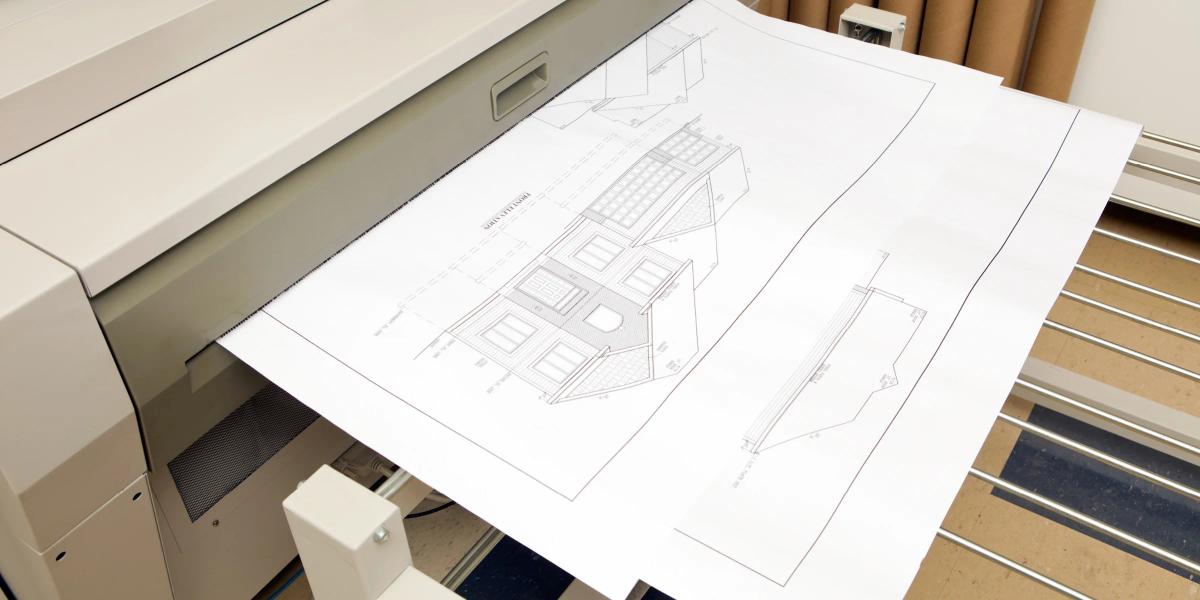
Engineering drawing scanning converts paper plans, blueprints, maps, schematics, and other large-format documents into digital files that project teams can store, share, review, and reproduce. It helps preserve valuable information while reducing the space required for rolled drawings, flat files, and aging plan sets. Every line, note, revision, and dimension matters, so file resolution, color settings, page orientation, drawing size, and image clarity should reflect how the digital documents will be used after scanning. Keep the plans. Lose the paper storage.
Technical Drawings Should Be Easier to Access Than the Archive Room Allows
Have a question? Let's talk about it.
Fast & Ready
I know what I need. I am ready to make an order quickly.
Order NowBe Remembered
I want something that earns another look and leaves a lasting impression.
Explore IdeasManage at Scale
I need a better way to manage printing for my team.
Print Portal
Don’t Have Your Files?
We can recreate your existing design from either a photo, previous print or partial file.
Size, Condition, Contrast, and Fine Linework Shape the Approach
The originals may arrive as loose sheets, rolled plans, folded sets, marked-up drawings, or older documents showing years of handling, and each condition influences how the scanning should be handled.
A Successful Archive Also Needs Structure
- Drawing count and sheet size — the approximate number of drawings and their dimensions shape the project, since large-format scanning is intended for documents that do not fit standard office scanners.
- Document condition — older or delicate drawings can be digitized with additional care, with brittleness, folds, tears, and surface quality evaluated first to reduce the risk of damage.
- Color mode — black-and-white scanning may work for clear line drawings, while grayscale or color can preserve annotations, faded details, stamps, and color-coded information.
- Resolution and file format — PDF is useful for viewing, sharing, and grouping related drawings, while image-based formats may suit individual sheets or specialized workflows, with the final format matching how files will be stored and used.
- File structure — related sheets can be grouped into a multi-page file or saved as separate documents, and the preferred structure should be established before scanning begins.
- Naming convention — files can follow project names, drawing numbers, sheet titles, dates, or revisions, and clear naming instructions help keep large archives manageable.
- Document preparation — grouping by project or drawing set, removing duplicates, confirming page order, and identifying staples, bindings, tape, and damaged areas all need to happen before production.
- Scale requirements — the digital file can retain original sheet dimensions, but scale-sensitive requirements should be discussed before scanning and verified when printing or measuring from a reproduction.